Get the payo49 appon your Android phone
One 28 MB file, no store account and no queue at sign-up. Install it once and the slots, live dealer tables, quick rounds and cricket markets all open from the same icon every morning.
Reading this on a laptop? Scan the QR code further down with your phone camera. New players start with a 140% first deposit bonus up to ৳16,500. · 18+ · Play Responsibly
Inside the download
- File name
- payo49.apk
- File size
- 28 MB
- Version
- 2.7.10
- Android
- 8.0 or newer
- Price
- Free
Updated 12 November 2026. Installs beside the web account you already use, so the balance and bonus carry over. 18+ only.
What the payo49 app feels like once it is open
- The same lobby, no tabs to hunt forAll 6,000 titles from Ezugi, Pragmatic Play, PG Soft, Evolution and Sexy Gaming sit in the same categories you see in the browser, laid out for a thumb rather than a mouse.
- One account, one walletThe login you made on the register page opens here unchanged. Nothing to merge, no second balance to track, no separate bonus pot.
- Cashier built into the appbKash, Nagad, Rocket, Upay and bank transfer all run inside the app. A deposit normally lands within 5 minutes; a withdrawal takes about 21 minutes after KYC clears.
- Made for a mid-range phoneThe screens are flat, the images are compressed and the live tables drop to a lighter stream on a weak 4G signal. Nothing is built around a desktop monitor.
Point your phone camera at the QR code if you are reading on a laptop, or press Download APK and open the file from your notifications.
Does the app beat the mobile browser for you?
Both versions use the same account, the same wallet and the same game list. The honest difference is in the number of taps per session and how much data each one eats. If you play on a laptop at home, the browser alone is enough. If your phone is the only screen you use, the APK earns its space.
| What you compare | payo49 app | Mobile browser |
|---|---|---|
| Getting started | One 28 MB APK from this page | Nothing to install, just open payo49.org |
| Login each visit | Stays signed in until you log out | Password again after the session times out |
| Game list | All 6,000 titles, five providers | All 6,000 titles, five providers |
| Cashier | bKash, Nagad, Rocket, Upay, bank | Same five methods |
| Data on a 3G day | Lobby loads once and is reused | Pages reload as you move between games |
| Cricket markets | Alerts when T20 and BPL prices move | You refresh the market yourself |
| Updates | Download the new APK when it ships | Always the newest build, silently |
| Space used | 28 MB plus a small game cache | No permanent install |
| Best fit | Daily play on one phone | Occasional play, or a shared family device |
A practical split: keep the app on the phone you carry, and use the browser on a laptop or a borrowed device. Signing in on either one shows the same balance, and the login page works identically in both.
Five steps from download to your first spin
-
Allow installs from your browser
Open Settings, then Apps, then Special access, then Install unknown apps. Pick the browser you plan to download with, Chrome or Firefox, and switch the toggle on. Every Android version from 8.0 up uses this same screen.
-
Download the payo49.apk file
Tap the Download APK button on this page. The 28 MB file drops into your Downloads folder in a few seconds on 4G, longer on an evening connection. Keep the screen awake until the finished notification appears.
-
Open the file and confirm install
Tap the notification, or open Downloads and tap payo49.apk. If Play Protect raises a warning, choose More details and then Install anyway. The package installs in a few seconds and the icon appears with your other apps.
-
Sign in or open a new account
Existing players sign in with the same number and password used on the payo49 login page. New players register, deposit at least ৳200 with bKash or Nagad, and the 140% welcome bonus is added to the balance.
-
Switch unknown sources back off
Return to Install unknown apps and turn the toggle off again. Then open the app settings and confirm version 2.7.10 is showing. Leaving that switch on for every browser is the one habit worth breaking.
On an iPhone, add payo49 to the home screen
iOS cannot open APK files, so there is no package to install. Open payo49.org in Safari, tap the Share button at the bottom of the screen, scroll to Add to Home Screen, keep the name payo49 and tap Add. The icon then opens the full lobby in its own window, without the Safari address bar eating the top of the screen. The cashier behaves exactly as it does in the browser.
What the payo49 download actually puts on your phone
| Version | 2.7.10 |
|---|---|
| File size | 28 MB |
| Minimum Android | 8.0 |
| Last updated | 12 November 2026 |
| Price | Free |
| Languages | English, Bangla |
| Support | 24/7 Live Chat |
Before you start the install
- A phone running Android 8.0 or newer. Older versions will refuse the package.
- A steady connection long enough to pull 28 MB. Wi-Fi is kinder on your data pack.
- Your registered number and password, or two minutes to create them.
- bKash or Nagad balance only if you plan to deposit. The minimum is ৳200.
What can you play once the app is open?
Slots with the return printed on the tile
Every slot shows its RTP before you spin, so you can compare instead of guessing. Insects Master sits at 97.4% and Caishen Wins at 97.4%, both from Sexy Gaming and Pragmatic Play stock, with spins from ৳2.
Live dealer tables, not video replays
European Blackjack deals with a real dealer at a 95.0% return and bets from ৳5. Teen Patti 20-20 from Ezugi runs at 96.8%, and the table chat stays open while you play.
Quick rounds that finish in seconds
Crash style rounds, Mines Gold and Tower all settle fast enough for a tea break. Stakes start at ৳1 on the quick formats, so a short session never needs a big commitment.
Cricket and football markets that move
T20 World Cup and BPL prices refresh on the same screen you bet from. The slip, your open bets and the settled history sit in one panel, so checking a result takes a single tap.
A cashier that never leaves the app
bKash, Nagad, Rocket, Upay and bank transfer all open inside the app. Deposits usually clear within 5 minutes and withdrawals around 21 minutes, which saves switching to a browser mid-session.
Bonus and wagering progress in plain sight
The app tracks the 140% welcome bonus against its 17x wagering requirement, shows the 0.5% daily cashback as it builds, and lists which games count toward clearing the bonus.
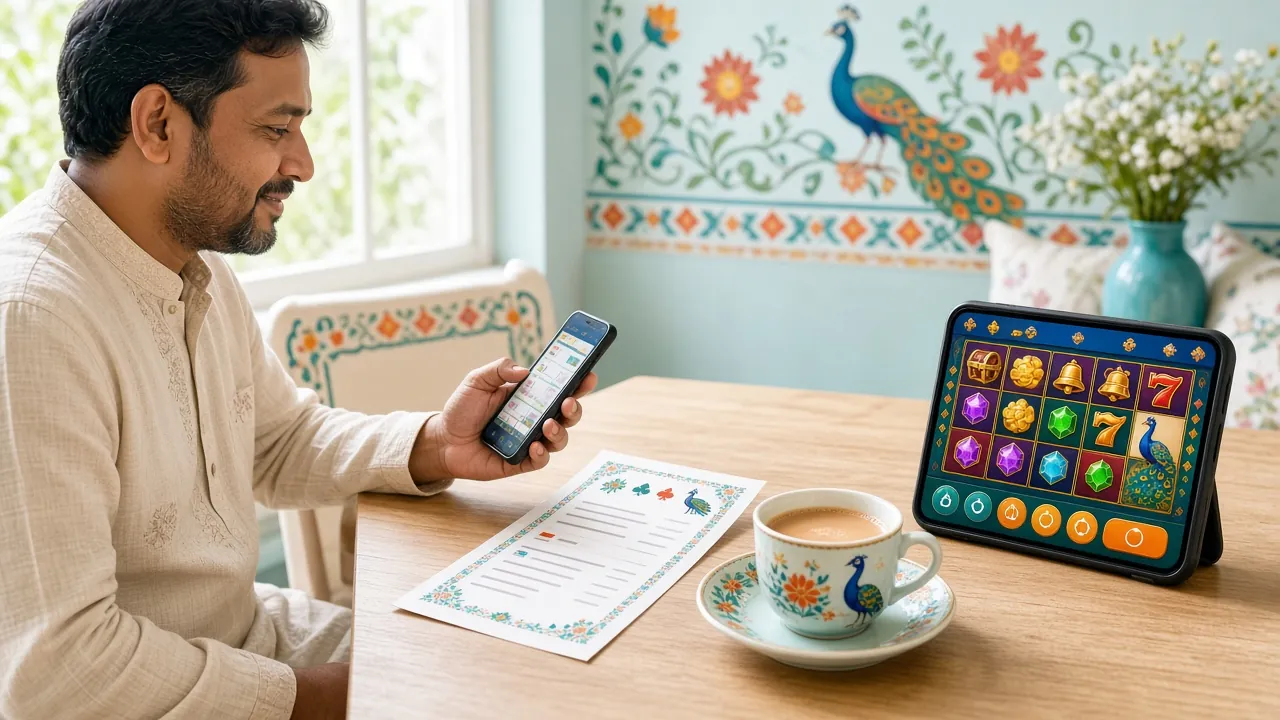
Two titles worth opening first


Is the payo49 APK safe to keep on your phone?
An APK is just an installer file, and installing one is ordinary on Android. What matters is where the file came from and what you do with the permission afterwards.
Start the download on this page only
Every legitimate install begins at the Download APK button above. Check the file name reads payo49.apk and the size shows 28 MB before you open it. A copy forwarded through a group chat or a mirror site is not worth the risk, even from a friend.
The installer asks for very little
Storage is needed to save the package and network access to reach the game servers. Notification permission is offered for market alerts and can be refused. The app does not need your contacts, your SMS inbox or your call log to run.
Money still moves through your own wallet
Deposits and withdrawals open the same cashier the website uses. Your bKash PIN and the OTP are typed inside the bKash app, never inside payo49. Support will never ask for either one in chat, and no staff member needs your card number.
Close the permission after installing
Turn unknown sources back off once the icon appears, and leave Play Protect scanning switched on. After each update, check the version number in the app settings. If someone asks you for the file, send them this page instead of an old copy.
When the install fails, work through these five fixes
| What you see | Likely reason | What to do |
|---|---|---|
| App not installed | An older payo49 build is already on the phone, or the download stopped halfway | Uninstall the old icon first, then download payo49.apk again on Wi-Fi. Watch the file reach 28 MB before you tap it. |
| Blocked by Play Protect | Android treats any APK from a browser as unknown software, whatever the file contains | Tap More details, then Install anyway. If that button is missing, open Play Store settings and pause Play Protect scanning for this one install, then switch it back on. |
| Can't open file | The download was cut short, or the file manager cannot read APK packages | Check the size in Downloads. Anything below 28 MB is incomplete, so delete it and download again through Chrome rather than an in-app browser. |
| Installed, but the login refuses you | Wrong password, or the account was opened with a different number | Use the reset link on the login page and sign in with the number you registered. If the OTP never arrives, ask 24/7 Live Chat to check the number on file. |
| Black screen or instant crash | Android older than 8.0, very little free memory, or a half-finished update | Check the Android version in Settings, close background apps and reinstall version 2.7.10. On a phone below Android 8.0, use the browser lobby instead. |
Questions players ask before installing
01Is the payo49 APK safe to install?
02Why does Android warn me about unknown sources?
03How do I update the app to a newer version?
04Will the app run on an iPhone?
05Can I deposit with bKash inside the app?
06Do I keep my bonus if I switch from browser to app?
07The install keeps failing. What should I try last?
Set your limits before you play
- Deposit limits and session reminders are free to set and take a minute.
- Never stake rent, school fees or borrowed money on a spin.
Ready to put the payo49 icon on your screen?
28 MB, Android 8.0 or newer, free to install. Your first deposit of ৳200 or more unlocks the 140% welcome bonus up to ৳16,500.